Highlights
-
Mojang introduced Javanese language support in Minecraft Java Edition 26.4 Snapshot 8 on November 10, 2026.
-
Players can select Basa Jawa through the game's language settings.
-
Chavacano, a language spoken in the Philippines, was also added in the same update.
-
The new language option is available in the Java Edition test build, not yet in the previous stable 26.3 release.
-
Changing the language does not require installing a third-party translation mod.
For millions of Minecraft players, the game's familiar menus and items have always appeared in English or another internationally supported language. Now, one of Indonesia's most widely spoken regional languages has joined the list.
Mojang has officially added Javanese to Minecraft Java Edition through Snapshot 8 of the upcoming 26.4 update.
Released on November 10, 2026, the snapshot brings language support for Javanese and Chavacano alongside several gameplay fixes.
The addition is particularly interesting for Indonesian players who speak Javanese at home and want to explore Minecraft using a more familiar language.
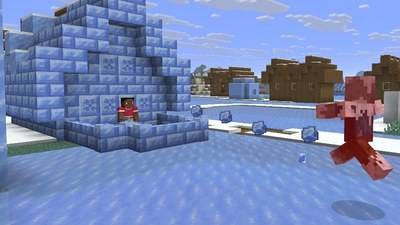
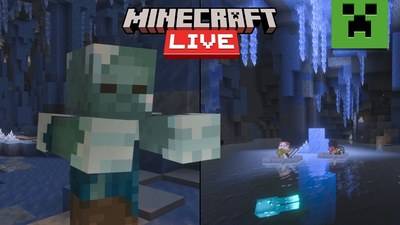
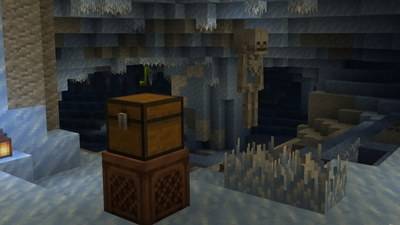
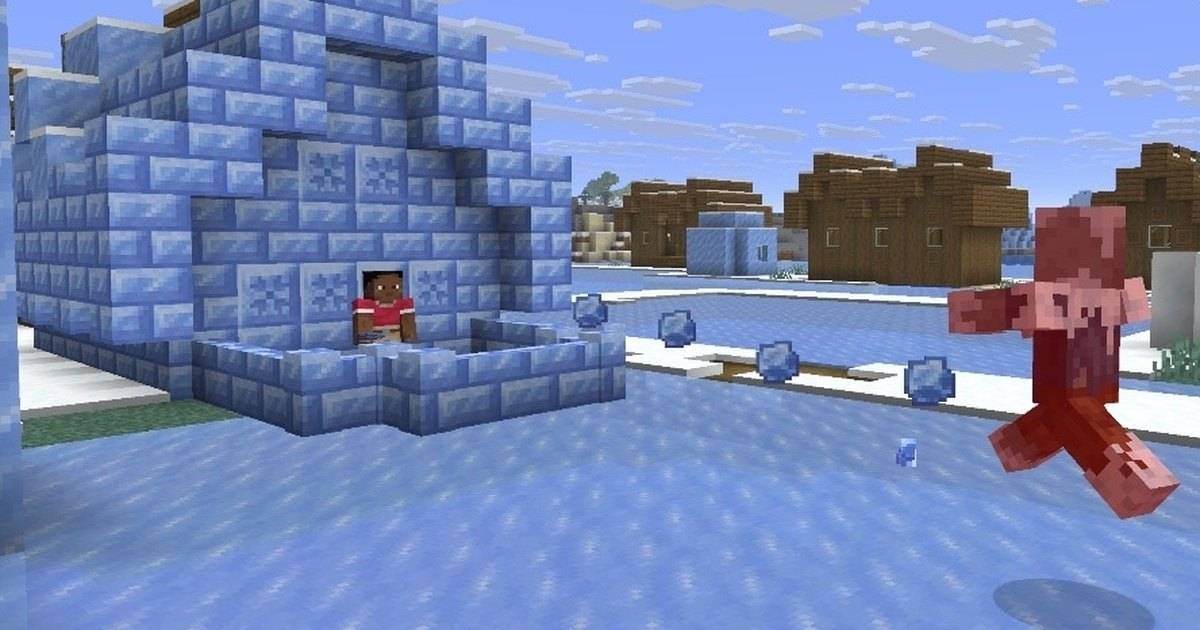
Although the update is relatively small compared with the upcoming Ice Caves and Frostbite features, it represents a meaningful expansion of the game's localization options.
Quick answer: To play Minecraft in Javanese, install Java Edition 26.4 Snapshot 8 or a later compatible build, launch the game, open Options and Language, then select Basa Jawa. The feature is officially supported by Mojang and does not require a translation mod.
Table of Contents
-
When Did Minecraft Add Javanese?
-
How to Change Minecraft to Basa Jawa
-
What Changes When You Use Javanese?
-
Is Javanese Available on Bedrock Edition?
-
What Else Is New in Snapshot 8?
-
Frequently Asked Questions
When Did Minecraft Add Javanese?
Javanese language support arrived in Minecraft Java Edition 26.4 Snapshot 8, released on November 10, 2026.
In the official release notes, Mojang confirmed two new supported languages: Javanese and Chavacano, Zamboanga.
The Javanese language option is identified as Basa Jawa, associated with Indonesia.
For players who regularly switch between English and Indonesian, it offers another way to experience the game's menus, item names and interface text.
The new language support is part of Minecraft's localization system, which allows players to select different translations without changing the underlying game.
However, there is an important limitation.
Snapshot 8 is a development version of Java Edition 26.4. Players using the older stable 26.3 release should not expect the new option to appear until it reaches an official stable build.
How to Change Minecraft Language to Basa Jawa
Changing the language is straightforward once a compatible version is installed.
Step 1: Open Minecraft Launcher
Launch Minecraft on your computer and select Java Edition.
Open the Installations tab and enable the option to display snapshots if it is not already selected.
Step 2: Select a Compatible Snapshot
Choose Minecraft 26.4 Snapshot 8 or a later build that includes the Javanese translation.
Install and launch the selected version.
Because snapshots are experimental, use a separate test world rather than opening an important survival save without a backup.
Step 3: Open Language Settings
From Minecraft's main menu:
-
Select Options.
-
Open Language.
-
Find Basa Jawa in the available language list.
-
Select the language.
-
Apply the change and return to the main menu.
Minecraft should now display supported interface text in Javanese.
If the language does not appear, confirm that the game is running a compatible snapshot rather than the previous stable version.
What Changes When You Play Minecraft in Javanese?
The language setting changes the text Minecraft uses to describe its interface and supported game content.
That includes translated names for blocks, items and other elements where localization entries are available.
The gameplay itself remains the same.
Switching from English to Javanese does not make hostile mobs stronger, change crafting recipes or generate different structures.
It is a translation option, not a new game mode.
Players can also switch back to English through the same settings menu whenever they prefer.
For Indonesian players who create Minecraft tutorials, the new language offers an opportunity to introduce game mechanics using Javanese terminology.
It could also make the game more approachable for players who are already comfortable speaking Javanese but less familiar with English gaming vocabulary.
Is Minecraft Javanese Language Available on Bedrock Edition?
This distinction is important.
Mojang's November 10 announcement specifically concerns Minecraft Java Edition 26.4 Snapshot 8.
The official notes reviewed for this article do not establish that the same language was released simultaneously on Bedrock Edition.
Players on Android, iPhone and consoles should therefore check their own game's language settings rather than assuming the Java snapshot feature is already available.
The presence of Javanese in Java Edition is confirmed. A matching Bedrock rollout should be verified through separate official release notes.
What Else Changed in Minecraft Snapshot 8?
Javanese language support was not the only change.
Mojang also addressed several issues involving the Ender Dragon and the upcoming winter-themed gameplay mechanics.
| Feature | Snapshot 8 change |
|---|---|
| Javanese | Added language support |
| Chavacano | Added language support |
| Ender Dragon | Corrected several flight behavior issues |
| Freezing effect | All undead mobs are now immune |
| Ice Balls | Reduced damage |
| Creative Inventory | Adjusted snow block grouping |
These updates follow several earlier snapshots that introduced Ice Caves, Frostbites, Brittle Ice and new decorative blocks.
Read Also: Minecraft 26.4 Winter Drop: Every New Feature From Snapshots 1–8.
Frequently Asked Questions
Can Minecraft be played in Javanese?
Yes. Javanese was officially added to Minecraft Java Edition in 26.4 Snapshot 8.
What is the Javanese language called in Minecraft?
The option is identified as Basa Jawa.
Do I need a mod to use Javanese?
No. The translation is included in the compatible official Java Edition snapshot.
Can I change back to English?
Yes. Open Options, select Language and choose English or another supported language.
Is Javanese available in Minecraft 26.3?
No. The Javanese addition was introduced in the later 26.4 testing series.
Conclusion
Minecraft's Javanese translation may not introduce new monsters or structures, but it gives Indonesian players another way to connect with the game.
With Basa Jawa officially included in Java Edition 26.4 Snapshot 8, players can explore Minecraft using a regional language without installing unofficial modifications.
The feature is currently part of the experimental release cycle, so players should follow Mojang's official announcements for its arrival in the stable version.