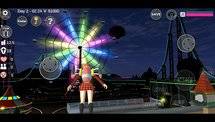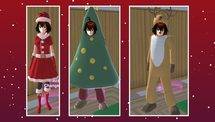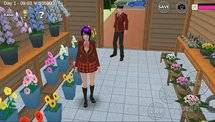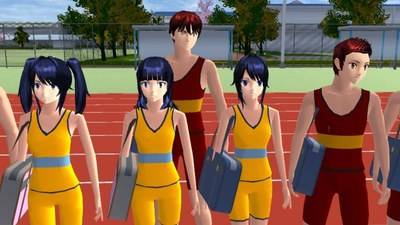
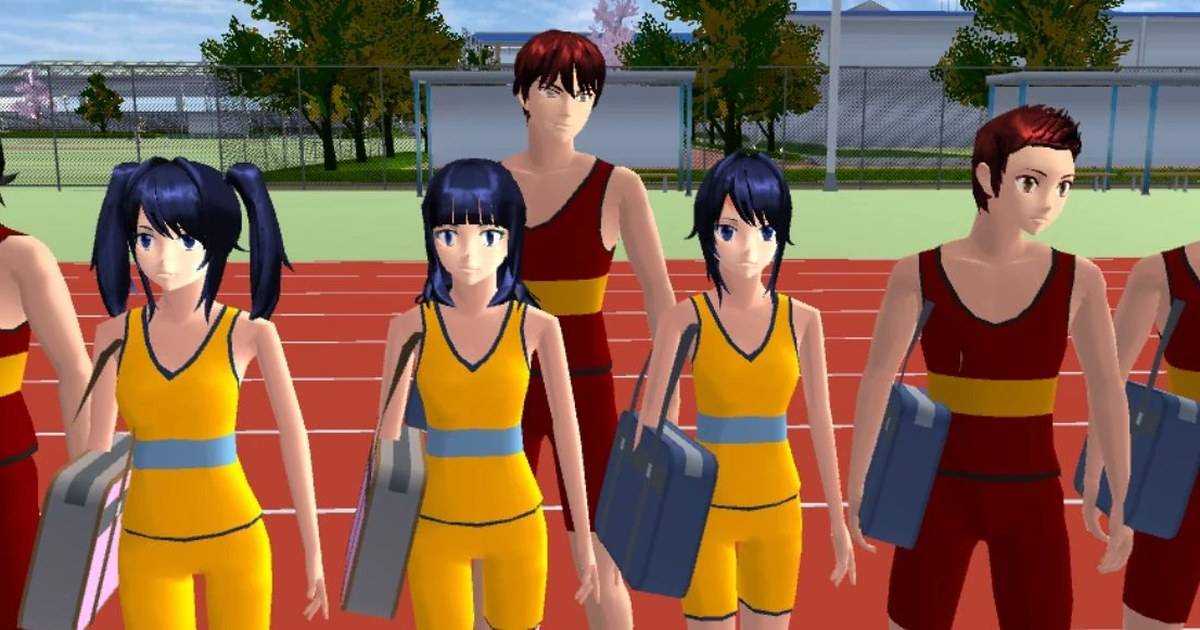
Fashion has always been a major part of Sakura School Simulator.
Whether players are recreating everyday school life, making short dramas or experimenting with unusual character designs, the game's collection of costumes makes it possible to create different looks.
One of the more interesting additions arrived in version 1.048.10.
Garusoft introduced several new outfits, including an Apple costume for both male and female characters.
The same update expanded the hairstyle collection and added new casual clothing and school-related outfits.
Although these additions were released in September 2026, they remain useful for players who want to refresh their characters without relying on unofficial mods.
Highlights
-
Sakura School Simulator version 1.048.10 was released on September 11, 2026, according to the App Store version history.
-
The update added five hairstyles for male characters and two for female characters.
-
Both male and female characters received an Apple costume.
-
New male outfits include Casual Wear Spring9, Spring10 and Spring11.
-
Female characters received Idol6 and UniformF outfits.
-
The official release notes do not describe special gameplay abilities associated with the Apple costume.
Quick Answer: The Apple costume was added to Sakura School Simulator in version 1.048.10 for both male and female characters. Players using a compatible version can look for it through the game's costume selection interface. The update also includes new hairstyles, casual outfits, Idol6 and UniformF.
Table of Contents
-
What Is the Apple Costume?
-
All New Costumes in Version 1.048.10
-
How to Find the Apple Costume
-
New Hairstyles for Boys and Girls
-
Creative Outfit and Roleplay Ideas
-
What If the Costume Is Missing?
-
Frequently Asked Questions
What Is the Apple Costume in Sakura School Simulator?
The Apple costume is one of the clothing additions officially listed by Garusoft in version 1.048.10.
It is available as a named costume option for both male and female characters.
The outfit stands out because of its unusual theme.
While many Sakura School Simulator costumes are inspired by ordinary school uniforms, casual clothing and entertainment styles, the Apple outfit offers an opportunity for more playful character designs.
For players producing short videos or screenshots, a distinctive costume can become the main visual element of a scene.
However, Garusoft's release notes identify Apple as a costume. They do not describe it as a special item that grants abilities, unlocks a secret mission or changes the game's story.
Players should therefore treat it as a character customization option unless additional gameplay behavior is independently confirmed.
All New Costumes in Sakura School Simulator 1.048.10
The September update introduced several named clothing options.
| Character | New costumes |
|---|---|
| Boy | Casual Wear Spring9 |
| Boy | Casual Wear Spring10 |
| Boy | Casual Wear Spring11 |
| Boy | Apple |
| Girl | Idol6 |
| Girl | UniformF |
| Girl | Apple |
Source: Garusoft's official version 1.048.10 release notes.
The variety offers different creative possibilities.
Spring casual outfits can work for everyday character scenes, while UniformF provides another school-themed option.
Idol6 is suitable for players creating performance-inspired stories or entertainment scenes.
Apple, meanwhile, fits more playful scenarios.
These suggested uses are creative ideas, not developer-defined missions.
How to Find the Apple Costume in Sakura School Simulator
Players need a game version that includes the September 2026 costume additions.
The process should begin with the game's normal character customization interface.
Step 1: Check Your Game Version
Open Sakura School Simulator and check the installed version using the game's available information or the official app store listing.
The Apple costume was introduced in version 1.048.10.
A compatible later version should include the same content unless the developer makes a subsequent change.
Step 2: Open Character Customization
Launch the game and open the available character-editing controls.
Look for the costume or outfit selection interface.
Menu labels may vary slightly depending on the platform and game version.
Step 3: Choose a Supported Character
Select a playable male or female character.
Garusoft's official notes list Apple as a costume for both.
Step 4: Look for the Apple Outfit
Browse the available costume entries and find the Apple option.
If the costume is not visible, check the game version before assuming that it requires a secret code.
Step 5: Apply the Outfit
Select the costume through the available interface.
Return to gameplay and inspect the character.
For screenshots, use a background that makes the character clearly visible.
The official notes do not specify a special mission or hidden location required to unlock this outfit.
New Hairstyles Added in the Same Update
Version 1.048.10 also introduced seven hairstyles.
Garusoft's release notes divide them into five hairstyles for boys and two for girls.
The developer's public update description provides the number of hairstyles but does not include a detailed name and appearance guide for each one.
Players should therefore examine the available styles directly in the character editor.
Try selecting a hairstyle before choosing the final costume.
That makes it easier to create a consistent character appearance.
For example, a simple spring outfit may work well for a casual school-life scene, while a more dramatic hairstyle can suit an idol performance.
The best combination depends on the style of story the player wants to create.
Four Creative Character Ideas Using the New Costumes
The new outfits provide several possibilities for original roleplay.
The following scenarios are editorial suggestions rather than official Sakura School Simulator missions.
1. Apple Costume Festival
Dress one or more characters in the Apple costume and create a fictional school festival.
Arrange characters around a suitable location and build a short story about preparing for the event.
This can work as a comedy scene or a screenshot project.
2. Spring School-Life Story
Use the Spring9, Spring10 or Spring11 outfits to design a casual day outside school.
Choose a location that suits the atmosphere, such as a park or quiet street.
Use simple character interactions to create a believable everyday scene.
3. Idol Performance
The Idol6 outfit offers a starting point for a performance-themed story.
Choose a suitable character and plan a short sequence involving rehearsals or a fictional concert.
A simple backdrop can help keep attention on the outfit and character rather than on crowded scenery.
4. New School Uniform Photoshoot
UniformF gives players another option for school-themed character portraits.
Try different hairstyles and camera angles to see which combinations work best.
The goal is to create a distinct character rather than changing every available cosmetic setting at once.
What If the Apple Costume Is Missing?
If the Apple option does not appear, first check whether the installed version includes the relevant content.
The costume was added in version 1.048.10, so an older installation may not contain it.
Platform releases can also differ.
For example, the App Store version history available during this review lists version 1.048.11, while Android has received later updates in the 1.048 series.
This difference does not automatically mean the Apple costume is exclusive to one platform.
The important requirement is having a compatible game build.
Players should update through Google Play or the App Store and avoid relying on unofficial APK websites promising hidden costumes.
Read Also: Sakura School Simulator Update History 2024–2026: Every Version.
Frequently Asked Questions
Is there an Apple costume in Sakura School Simulator?
Yes. Garusoft officially included an Apple costume for male and female characters in version 1.048.10.
When was the Apple costume added?
It appeared in the September 11, 2026 update listed in the App Store version history.
Does the Apple costume require a mod?
The costume is listed in the official game update, so players do not need an unofficial mod to obtain the supported content.
Does the Apple costume give special powers?
Garusoft's official release notes do not describe any special gameplay abilities associated with the costume.
How many new hairstyles were added?
Seven hairstyles were added: five for boys and two for girls.
What other outfits arrived in the update?
The update included Spring9, Spring10 and Spring11 casual outfits for boys, as well as Idol6 and UniformF for girls.
Conclusion
Sakura School Simulator's Apple costume is an unusual addition to the game's growing clothing collection.
Combined with new hairstyles, spring casual clothing and entertainment-themed outfits, it gives players more ways to design memorable characters.
For players who enjoy making short dramas, character portraits or fictional school events, these costumes offer another reason to revisit the character editor.
The best part is that they belong to Garusoft's official update history rather than an unofficial modification.