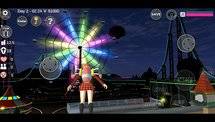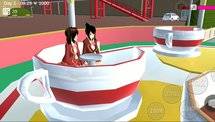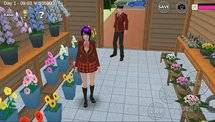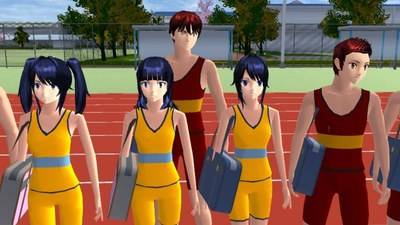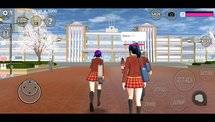
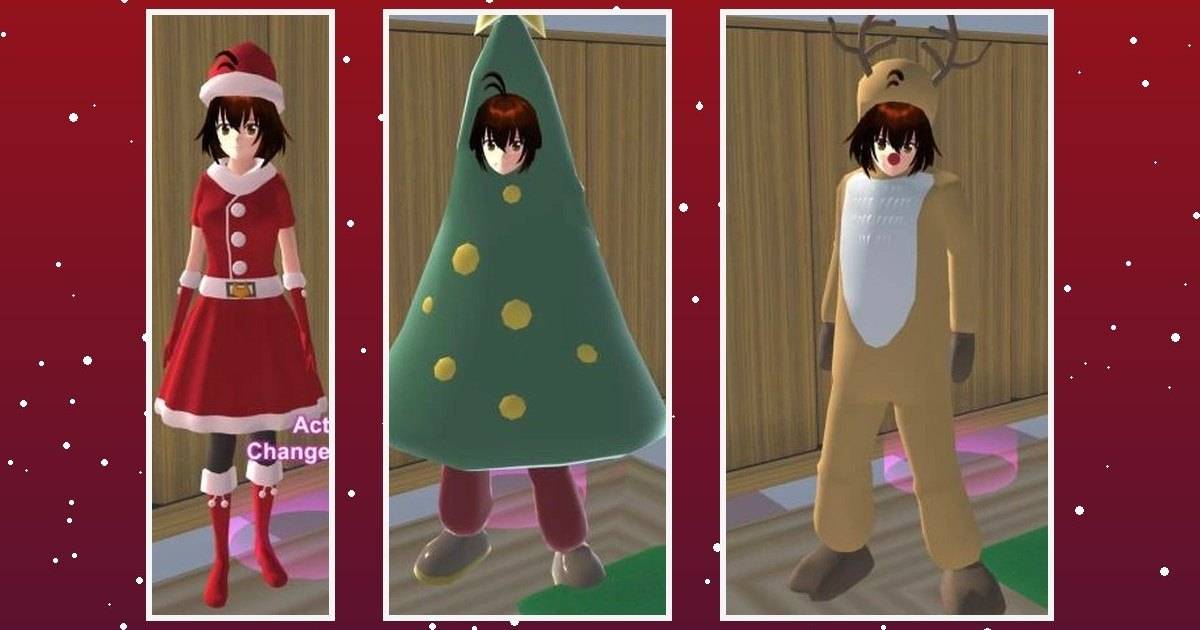
Sakura School Simulator has expanded its customization tools throughout 2026, introducing new hairstyles, costumes, camera-related features and decorative objects that give players more ways to personalize their characters and environments.
Highlights
-
Sakura School Simulator received several customization updates during 2026.
-
Version 1.047.05 introduced makeup options in the character editor.
-
Version 1.047.11 added new items, camera props and a Headshot camera setting.
-
Version 1.048.10 introduced seven hairstyles and additional costumes.
-
New decorative props include plants, pots, rocks and mirrors.
-
Feature availability may differ depending on the platform and installed version.
Sakura School Simulator continues to evolve through updates that put more creative tools into players' hands.
For a game built around open-ended school life, new hairstyles or decorative objects can be just as valuable as entirely new locations.
Players who enjoy making stories, designing characters or building custom environments have received several additions throughout 2026.
Developer Garusoft has expanded the character editor, added camera-related items and introduced new Props that can be used to decorate scenes.
The changes offer returning players plenty of reasons to revisit familiar locations and experiment with different ideas.
Quick Answer: Sakura School Simulator's documented 2026 updates include makeup tools, new hairstyles and costumes, camera items, Headshot settings and decorative Props. The features were introduced across different versions, including 1.047.05, 1.047.11 and 1.048.10.
What's New in Sakura School Simulator in 2026?
Several of the year's confirmed changes focus on character appearance and creative customization.
Garusoft's official version history provides a useful overview.
| Version | Notable additions |
|---|---|
| 1.047.05 | Makeup customization |
| 1.047.11 | New costumes, glasses, camera items and decorative Props |
| 1.048.10 | Seven hairstyles, additional costumes, plants, pots, rocks and mirrors |
| 1.048.11 | Fix for a language display issue |
These updates arrived at different times throughout the year.
Players should check their installed version before looking for a specific feature.
New Makeup Features for Character Customization
One of the most significant customization additions appeared in version 1.047.05.
Garusoft introduced a makeup feature within the character-editing interface.
The option gives players more ways to adjust their characters' facial appearance.
However, the feature comes with restrictions.
According to the official release notes, makeup is not supported for certain character types, including classic faces, children, the cat butler and passersby.
Changing skin color after applying makeup can also reset the makeup color.
Understanding those limitations can save players time when experimenting with new appearances.
Camera Items and Character Editing
Version 1.047.11 introduced several camera-related additions.
These include a handheld camera item and decorative camera Props.
Garusoft also added a Headshot option within the CharaEdit camera settings.
The Headshot feature is documented for playable characters only.
Meanwhile, the camera Props can help players create scenes that resemble photo studios or filming environments.
It is important to distinguish decorative equipment from recording functionality.
The official release notes do not establish that placing a tripod camera automatically records videos.
Players who want to capture gameplay footage should use the appropriate recording features available on their devices.
Read Also: Sakura School Simulator Camera Guide: Headshot Mode and Tripod Props.
New Costumes and Hairstyles in Version 1.048.10
The September 2026 update introduced additional clothing and hairstyles.
Garusoft listed five new hairstyles for male characters and two for female characters.
New male outfits included several Spring casual-wear options and an Apple costume.
Female characters received the Idol6, UniformF and Apple outfits.
These additions give players more flexibility when creating character designs.
For example, casual clothing can work for everyday roleplay scenes, while an idol outfit could be used in a player-created performance story.
Those scenarios are creative suggestions rather than official missions.
More Decorative Props for Building
Version 1.048.10 also expanded the Props collection.
The developer's release notes identify 23 additional decorative objects.
| Prop category | Number added |
|---|---|
| Mirrors | 3 |
| Plants | 9 |
| Pots | 5 |
| Rocks | 6 |
| Total | 23 |
These objects can be used to create more detailed environments.
A player might arrange plants and pots into a small indoor garden or use mirrors and decorative objects to improve a character's room.
The Props system allows players to experiment with scene composition without relying entirely on downloaded community creations.
Read Also: Sakura School Simulator Greenhouse Guide: Build With New Props.
How These Updates Improve Creative Gameplay
Customization is an important part of the Sakura School Simulator experience.
New character-editing tools give players more ways to distinguish one character from another.
Decorative Props also make it easier to create recognizable locations for screenshots and short stories.
Players who produce school-life videos can combine these features to design different settings and character appearances.
For example, a classroom story might use school uniforms and a simple background, while a more elaborate drama could involve multiple outfits and specially arranged locations.
The updates do not replace the game's sandbox structure. They expand the options available within it.
Frequently Asked Questions
What are the new Sakura School Simulator features in 2026?
Documented additions include makeup tools, new costumes, hairstyles, camera-related items and decorative Props.
Does Sakura School Simulator have makeup?
Yes. Garusoft introduced makeup customization in version 1.047.05, with restrictions for certain character types.
How many hairstyles were added in version 1.048.10?
Seven hairstyles were added: five for male characters and two for female characters.
Can you use a camera in Sakura School Simulator?
The game includes camera items and Props, as well as a Headshot setting in character editing. The functions are not identical.
Can you create custom buildings?
Yes. Sakura School Simulator includes Props editing tools that allow players to arrange objects and create custom environments.
Are all new features available on every device?
Not necessarily. Players should check their installed version and the relevant platform's release notes.
Conclusion
Sakura School Simulator's 2026 updates have expanded the game's creative possibilities through character customization and environmental design.
The additions range from makeup and new outfits to camera items and decorative objects.
For returning players, these features provide more opportunities to experiment with characters, create original locations and produce their own stories.
The best place to verify availability is the official update history for the version installed on your device.