- Signal announced new protections on Friday, November 20, 2026, to stop AI assistants from reading conversations.
- On Android, Signal automatically turns on Screen security when it detects an assistant such as Gemini trying to read the screen.
- On iOS 27, Signal adds a Block Siri AI setting that also blocks screenshots in the app.
- Users can switch the protections off, but Signal warns chats could then be read by AI agents.
- Signal President Meredith Whittaker called OS-level AI agents an existential threat to Signal.
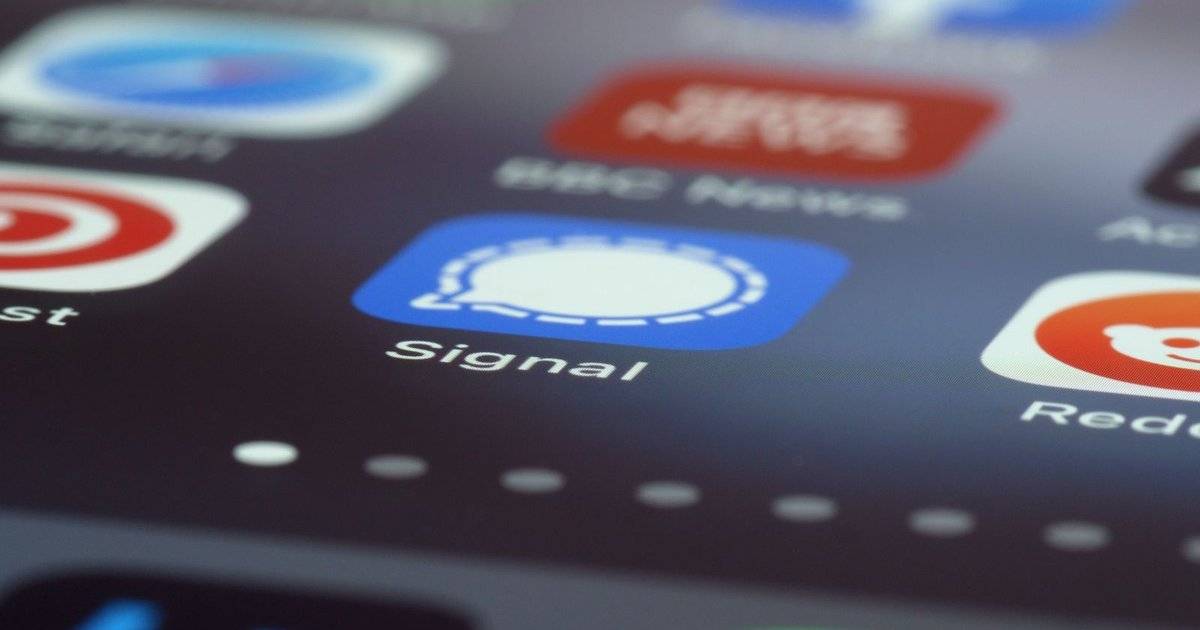
Signal has started blocking screenshots in its app to stop AI assistants such as Gemini and Siri AI from reading users' conversations. The protections apply on Android and iOS 27.
Signal announced the move on Friday, November 20, 2026, a day after Google gave Gemini the ability to control Macs. Phone assistants increasingly read the screen to answer questions or carry out commands, including when the open app holds private data.
Signal is known for end-to-end encryption, but encryption only protects messages in transit. Once a message is on screen, an assistant that reads the display can capture it.
Quick answer: Signal now blocks screenshots and screen reading by AI assistants. On Android, Screen security switches on automatically when Gemini or another assistant tries to read the screen. On iOS 27, there is a Block Siri AI setting. The protections can be turned off, but Signal recommends keeping them on.How Signal's New Protections Work
Android Authority reported that Signal will automatically enable its Screen security setting on Android when it detects an AI assistant trying to read the screen. The feature existed before but had to be switched on manually.
On iOS 27, Signal adds a Block Siri AI setting. It stops Siri's Onscreen Awareness from reading Signal content and blocks screenshots in the app and the App Switcher.
Both protections also stop users themselves from taking screenshots in Signal. Anyone who needs screenshots can disable them in settings, at the risk of chats becoming readable by assistants again.
| Platform | Protection | Notes |
|---|---|---|
| Android | Automatic Screen security | Activates when an assistant such as Gemini reads the screen |
| iOS 27 | Block Siri AI setting | Blocks Siri Onscreen Awareness and screenshots |
| macOS | Cannot be blocked reliably | Add Signal to Siri's Excluded Apps list |
| All | Can be turned off | Chats may become readable by AI agents |
Summary based on Android Authority, Digital Trends and other tech media reports on November 20, 2026.
Why Signal Is Pushing Back on AI Agents
In a blog post cited by Digital Trends, Signal President Meredith Whittaker wrote that agentic AI integrations are making the operating system environment increasingly hostile to privacy, calling it an existential threat to Signal and its mission.
Signal explained that OS-level agents scan on-screen information to learn about users. In doing so, Signal data is captured and made available to those systems to answer questions and act on commands.
It is not the first time. Last year Signal blocked Microsoft's Recall on Windows 11, which continuously captures screenshots, because disappearing messages could survive in Recall's searchable database.
Signal Admits the Fix Is Incomplete
Signal acknowledged the protections do not solve everything. It cannot reliably apply them on macOS or cover every Android device.
Blocking screenshots also does not stop agents from reaching data in other ways, such as files already stored on the device. For Mac users, Signal recommends adding the app to the Excluded Apps list in Siri settings.
Signal is calling on Google, Apple and Microsoft to give developers better documentation and tools to restrict AI access without breaking app functionality.
What It Means for Users
Android users can check that Screen security is on under Settings, Privacy in Signal. It also hides chat content in the recent apps view.
The issue reaches beyond Signal to banking, health and work apps. The smarter assistants get, the more sensitive data they can potentially read from the screen.
Users can limit assistants' permission to read the screen, turn off automatic screen analysis when not needed and use built-in security features in sensitive apps.
FAQ (Frequently Asked Questions)
To stop AI assistants such as Gemini and Siri AI from reading conversations on screen, which encryption cannot protect. Yes, in Signal settings, but Signal warns chats may then be readable by AI agents. A new iOS 27 setting that stops Siri from reading Signal content and blocks screenshots in the app. Not yet. Signal advises Mac users to add it to Siri's Excluded Apps list. Signal's president, who called OS-level AI agents an existential threat to Signal.1. Why is Signal blocking screenshots?
2. Can I turn the protection off?
3. What is Block Siri AI in Signal?
4. Does it work on Mac?
5. Who is Meredith Whittaker?
Conclusion
Signal's move highlights a new clash between AI convenience and user privacy. As assistants read screens more often, privacy-first apps need new ways to protect what they display.
Signal admits its fix is partial, so support from Google, Apple and Microsoft will decide how effective such protections can be.
- Signal blocks screenshots on Android and iOS 27 from November 20, 2026.
- Android uses automatic Screen security; iOS 27 uses Block Siri AI.
- Protections can be disabled, at a privacy cost.
- macOS is not reliably protected yet.
- Signal wants better tools from Google, Apple and Microsoft.