- Version 1.047.11 (February 12, 2026) added heart, star and one-eye magic circle eye expressions.
- All three live under Character Editing, Expressions (Eye) and are not supported on old faces.
- The same update added heart glasses, plus magic circle, camera, tripod, ribbon and gem props.
- Version 1.047.12 (February 19, 2026) made the magic circle prop's angle adjustable.
- Wink and other expressions from version 1.045.17 also come with face restrictions.
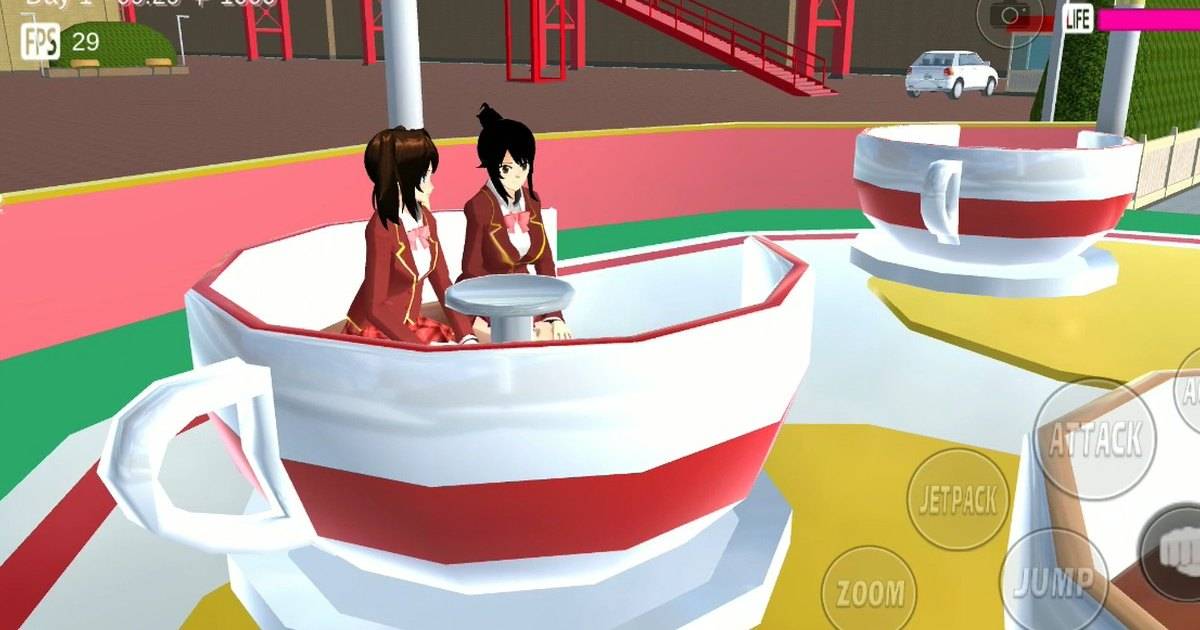
Heart-shaped eyes for a love-at-first-sight scene, star eyes for a moment of awe, and magic circle eyes for a wizard character. All three are in Sakura School Simulator, but not every face can use them.
These expressions came with version 1.047.11, listed in the App Store version history on February 12, 2026. Many players tried them and were confused when nothing changed on certain characters. Garusoft explains why in the release notes.
Industry.co.id sums up what the update contained, which faces are supported, and which companion items fit well with the new expressions.
Quick answer: Heart, star and one-eye magic circle eye expressions were added in version 1.047.11 (February 12, 2026). You will find them in Character Editing under Expressions (Eye). Garusoft notes that none of them work on old faces, known in game as classic faces, so the character needs a newer face model for the expression to show.What Update 1.047.11 Says About Expressions
The release notes for version 1.047.11 list Character Editing: Expressions (Eye): Heart, Star, One-Eye Magic Circle. An important note in brackets follows: none of these are supported for the old faces.
The update was fairly packed. Besides expressions, it added costumes, heart glasses, holdable items and several props. The table below lists them so you know which items pair well with the new expressions.
There is also a Headshot option in the CharaEdit camera settings, though it only works on playable characters.
| Category | What version 1.047.11 added |
|---|---|
| Eye expressions | Heart, star, one-eye magic circle (not on old faces) |
| Costumes | 2 boy costumes, 2 girl costumes |
| Glasses | Heart glasses |
| Item editing | Teddy bear (left and right hand), camera (left hand), 8 backpacks (upper body) |
| Props | Camera, camera tripod, ribbons, magic circle, gems |
| CharaEdit camera | Headshot, playable characters only |
Table source: Sakura School Simulator version history on the App Store.
Why the Expressions Do Not Show on Some Characters
The short answer is the face type. Garusoft marked all three new expressions as unsupported for old faces, called classic faces in the game. If your character still uses an older face model, heart or star eyes will not appear the way you expect.
Restrictions like this are not new. Version 1.045.17 on June 8, 2025 added 6 female faces and 3 male faces, plus new expressions such as winking. Its release notes say only some of the new expressions are available for the male Face 1 and the female Face 1 and Face 2.
The make up feature that arrived in version 1.046.01 in November 2025 follows a similar rule. Make up does not work on classic faces, kids, the cat butler, passersby and some other characters.
How to Use the New Eye Expressions
Open Character Editing, find the Expressions section and choose the Eye category. There you can pick heart, star or one-eye magic circle. If nothing changes, switch the character to one of the newer face models first, then pick the expression again.
Save the game before changing faces. Switching faces can alter a look you have already set up, so a save point lets you return to where you started if the result does not suit you.
Also make sure the game is up to date. The current Google Play version is 1.048.19, so the expressions from version 1.047.11 should already be available on devices that update regularly.
Pair Them With the Magic Circle Prop
The one-eye magic circle expression works best with the magic circle prop from the same update. A week later, version 1.047.12 on February 19, 2026 fixed that prop so its angle can be changed.
With an adjustable angle, the magic circle can stand upright behind a character or lie flat on the floor. Combine it with a pose and the matching eye expression for a wizard casting a spell.
Version 1.047.12 also fixed the cat butler's outfit pattern resetting, and upper body poses for NPCs changed into a priest or shrine maiden. Both fixes help if you are making a shrine or magic themed story.
Scene Ideas for Each Expression
Heart eyes suit a love-at-first-sight scene, especially when paired with heart glasses. Star eyes suit moments of awe, such as a character meeting their idol or receiving a gift.
One-eye magic circle eyes add a sense of mystery. They fit a character with hidden powers in a school drama, particularly when shot with the Headshot feature so the eye detail is clear.
For photos, shoot up close. Eye expressions are small details and get lost when the camera is too far from the character's face.
FAQ (Frequently Asked Questions)
In version 1.047.11, listed on the App Store on February 12, 2026, together with the one-eye magic circle expression. In Character Editing, under Expressions, in the Eye category. Garusoft says these expressions are not supported on old faces, also called classic faces. Switch to a newer face model and try again. Yes. The magic circle prop arrived in version 1.047.11, and since version 1.047.12 its angle can be changed. Not always. For expressions from version 1.045.17, only some are available on the male Face 1 and the female Face 1 and Face 2.1. When were heart and star eyes added?
2. Where is the eye expression menu in Sakura School Simulator?
3. Why do heart eyes not appear on my character?
4. Is there a magic circle prop?
5. Do all new faces support every expression?
Conclusion
Heart, star and magic circle eyes make Sakura School Simulator characters far more expressive. The only real requirement is a newer face model, because old faces do not support these expressions.
Pair them with heart glasses, the magic circle prop and the Headshot camera from the same update for better photos and videos.
- New eye expressions arrived in version 1.047.11, February 12, 2026.
- Find them in Character Editing, Expressions (Eye).
- They do not work on old faces.
- The magic circle prop's angle is adjustable since version 1.047.12.
- Shoot close up so the eye detail shows.